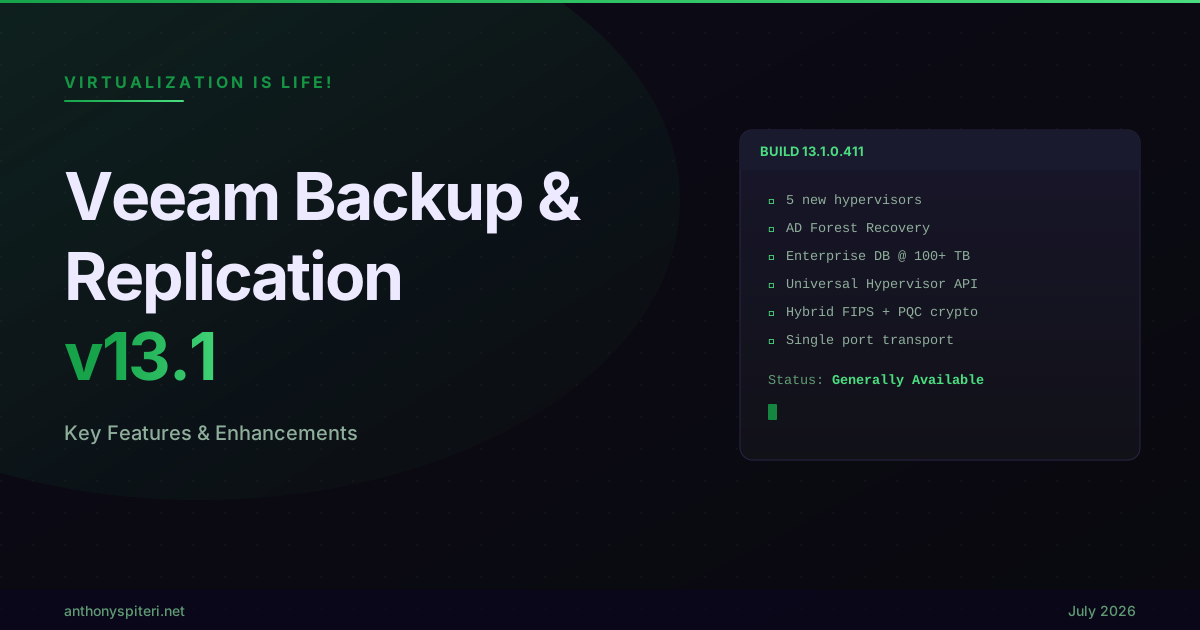
Veeam Backup & Replication v13.1: Key Features & Enhancements
Today, Veeam made Generally Available Veeam Backup & Replication v13.1 (Build 13.1.0.411). For the first time the What’s New documentation is published online instead of as one static PDF, broken out into pages you can search and browse. Five new hypervisors, a rebuilt approach to identity recovery, enterprise database protection at a scale we haven’t really had to think about before, and that’s before you even get to security, storage and the AI side of things. Being part of Veeam R&D now, I knew the goodness that was coming, but going through the documentation start to finish this week still surprised me with how much of it there was.
Five new hypervisors, automated Active Directory Forest Recovery, enterprise database protection at 100+ TB scale, malware detection extended across almost every workload, GFS retention built directly into unstructured data jobs, and encryption future proofed with Post Quantum Cryptography… v13.1 is a lot more than a dot release.
Major Features and Enhancements
The data center landscape is shifting under a lot of our customers right now, and v13.1 was built with that in mind. On the hypervisor side, five new platforms join the fold, Sangfor aSV, Citrix XenServer, XCP-ng, Platform9 and VergeOS, each landing with a full set of capabilities: Changed Block Tracking backups, instant recovery, disk mount, file level restore, backup export and application aware restore through Veeam Explorer. On the identity front, Automated Active Directory Forest Recovery turns a process Microsoft documents in more than 40 manual steps into a guided wizard, while Microsoft Entra ID protection picks up persistent object relationships, export to JSON and coverage for device objects and BitLocker keys. For enterprise workloads, the new Veeam Snap Scale engine targets databases at 100+ TB, with Epic on InterSystems IRIS as the first workload to use it, and the new Application Backup Repository turns the Hardened Repository into a managed pool of NFS targets for Oracle RMAN and anything else that can write a backup or dump file. Underneath all of that, v13.1 also ships a hybrid FIPS plus Post Quantum Cryptography model, moves all backup traffic to a single port, and lets Veeam Intelligence go from answering questions to taking approved actions on your behalf.
Key Highlights
Three things from this release stood out to me the most, less for how flashy they are and more for where they show the platform is headed.
Built for a Multi Hypervisor Future
The market is moving away from single vendor hypervisor dependency faster than a lot of people expected, and v13.1 is Veeam’s answer to that, leveraging a souped up Platform Services Engine that our hypervisor plugins run on. Sangfor aSV, Citrix XenServer and XCP-ng all join as fully supported hypervisors, each with Changed Block Tracking backups, Backup Scan with Threat Hunter and YARA scanning, entire VM restore to or from any other supported hypervisor or cloud target, instant recovery, disk mount, file level restore, export to VHD, VHDX or VMDK, and application aware restore through Veeam Explorer.
Sitting alongside those three is the new Universal Hypervisor API, giving hypervisor vendors a defined path to get certified with Veeam rather than needing a bespoke integration built from scratch every time. Platform9 and VergeOS are the first vendors through that door, and I would expect more to follow. There’s also a KubeVirt Proxy, built together with the Kasten team, the management layer for the growing set of KubeVirt based hypervisors… the first plug in built on top of it ships shortly.
On the existing platforms, Nutanix AHV and Proxmox VE both get full Web UI coverage matching what’s already there for vSphere and Hyper-V, plus advanced RBAC, instant disk recovery and VirtIO driver injection on restore. Proxmox VE specifically picks up VM replication for the first time, both host to host and across data centers, a useful DR option for anyone running it in production.
Identity is the Perimeter
Active Directory remains the single most targeted piece of infrastructure most organizations have. When the forest goes down, everything that depends on authentication goes down with it, and until now, bringing it back has been a feared, expert led process, Microsoft’s own documentation runs to more than 40 manual steps.
Automated Active Directory Forest Recovery turns that into a guided wizard, pick the recovery point, define the domain controllers for every domain, configure the target, covering single domain, multiple domain and multiple tree forests, recovering to either vSphere or Hyper-V, with a guest component quietly collecting forest metadata during normal backup runs so it’s all ready the moment you need it. Entra ID protection gets the same level of attention… persistent ID tracking keeps object relationships intact through a restore, there’s a new export to JSON for any protected object, coverage now reaches Organization Contacts, device objects and BitLocker recovery keys, and RBAC means access is scoped by role instead of all or nothing.
Enterprise Scale Without Enterprise Complexity
The last theme is protection for workloads that used to need their own specialised tooling. Veeam Snap Scale Backup for Enterprise Applications is a new backup policy purpose built for databases at 100+ TB, using the Universal Storage API to snapshot storage directly and then reading that data back through multiple Linux proxies in parallel, with the same source side deduplication that’s proven itself in image level backup. The first workload to use it is Epic on InterSystems IRIS, which tells you exactly who this is for, healthcare organizations running some of the largest database estates around.
Right alongside it is Application Backup Repository, which takes the Veeam Infrastructure Appliance running in Hardened Repository mode and turns local storage into a pool of virtual volumes, each one exposed as its own NFS target. Applications write to it directly with no awareness of Veeam underneath, while Veeam handles snapshots, immutability and access control behind the scenes. Oracle RMAN Incremental Merge is the flagship use case, but the door is open to anything from IoT devices to standalone databases that can export or dump data to NFS.
Rounding this theme out is Veeam Data Cloud Vault Archive, extending the fully managed Vault experience down to archive class storage on Azure Blob Archive, with no separate archiver appliance needed, and AWS based Vault now gets the same guided onboarding in the console that Azure has had for a while.
Other Highlights
Beyond the three themes above there’s a genuinely long list of enhancements worth calling out:
- Universal CDP for Linux: near zero RPO continuous replication extends from Windows in v13 to Linux workloads now too, covering physical, virtual and cloud machines replicating to vSphere or VMware Cloud Director.
- Hybrid FIPS and Post Quantum Cryptography: algorithms aligned with NIST FIPS 203, 204 and 205 now handle the handshake and key exchange, while FIPS certified AES still handles the actual data encryption.
- Single port transport: backup traffic moves off the old 2500 to 3300 dynamic port range and onto a single port, which is going to make a lot of firewall admins happy.
- Veeam Intelligence starts taking action: the Experienced Backup Admin Agent can investigate failed jobs on its own, work directly with Support cases, and now take approved actions like job control, repository management and malware scans, all still behind workflow approval.
- Malware detection everywhere: entropy events now come with built in investigation context, exclusions can be set per machine, and detection now covers unstructured data and Azure VM backups as well.
- Governance mode immutability for Linux repositories: standard Linux repositories can now use the same immutability engine as the Hardened Repository, without needing the full hardened build.
- Unstructured data gets GFS and archive tiering: weekly, monthly and yearly retention direct in NAS and object storage jobs, plus the option to archive straight to Vault Archive, Azure Archive or AWS S3 Glacier as a primary or secondary target.
- Storage integrations keep expanding: Dell Data Domain gets Managed File Replication to match what HPE Catalyst already has, and fleet management systems can now be added once to discover every underlying storage system automatically.
- Web UI keeps closing the gap with the full remote console, this release adding instant recovery from any platform, full malware detection and unstructured data coverage, and application item level recovery for Active Directory and SQL Server.
- PowerShell and the REST API both keep expanding, with this release adding RBAC, malware detection, high availability and deduplication repository management to the API, and Epic backup and restore, GFS and infrastructure metrics to PowerShell.
That’s still not the full list… I haven’t touched on what’s new for Veeam Agents across Windows, Linux, Mac and Unix, the specific enhancements for Veeam Cloud and Service Providers through Cloud Connect, or the appliance and high availability improvements in the Veeam Software Appliance and Veeam Infrastructure Appliance. There’s a lot there, more than I can fairly fit into one post, but the areas above are the ones I’d point people to first.
Final Thought:
Having been more intimately involved with this release as a PM for the Sangfor aSV plugin, I have a new found respect for the Veeam R&D Team who continue to pump out amazing work, and this release proves that.
Hypervisor support went to the next level in this release and sets our customers up to be covered no matter where they migrate to, five platforms fully supported from day one plus a Universal Hypervisor API that keeps the door open for whatever comes next. Unstructured data picked up GFS retention, archive tiering and malware detection that used to only exist for VMs, quietly closing a gap that’s been open for a while. And sitting underneath all of it is the broader enterprise scale story, Application Backup Repository and Vault Archive both aimed at organizations that have outgrown what a normal backup job was ever built to do.
That’s a strong release across four fronts that don’t usually move at the same time. This is what’s new in Veeam Backup & Replication v13.1, get it downloaded and take a look for yourself.
References and Resources
• What’s New in Veeam Backup & Replication v13.1 • Veeam Backup & Replication v13.1 Release Notes • Current Build Numbers (Veeam R&D Forums) • Veeam Help Center